Skip to content

Blog

PostgreSQL High Availability with Patroni: 2026 Edition

Running a single PostgreSQL instance in production is a liability. When it goes down — and it will — so does your application. High availability is not optional for production databases; it is the baseline.

This guide builds a production-grade PostgreSQL HA cluster using the fully open-source community stack: PostgreSQL 17 from PGDG, Patroni 4.x, etcd 3.5, pgbackrest 2.58, and HAProxy. No vendor-specific packages. No proprietary repositories. Everything here runs on Rocky Linux 9 or AlmaLinux 9 and stays fully open-source.
PostgreSQL Performance Tuning for Application Developers (2026 Edition)

Slow queries are not a database problem. They are a design problem.

A query that takes 4 seconds on a table with 100 million rows almost always has a fixable root cause: missing index, wrong index type, table bloat, exhausted connection pool, or configuration defaults that were set for a 1GB dataset and never updated. Most performance problems are found — and solved — at the query and schema level before any hardware needs to be touched.

PostgreSQL Server Tuning: The Complete 2026 Configuration Guide

A freshly installed PostgreSQL server is configured to run safely on a shared laptop from 2005. shared_buffers = 128MB. work_mem = 4MB. max_connections = 100. These defaults have not changed in over a decade — and they are deliberately conservative so the server starts without crashing on anything.

Your production server is not a 2005 laptop.

This guide covers every postgresql.conf parameter that matters, the OS-level settings that underpin them, and a ready-to-use configuration reference for common server sizes — all updated for PostgreSQL 17 on Linux in 2026. It is the server configuration companion to the query and index tuning guide, which covers EXPLAIN, indexes, and PgBouncer.

CKA Cheat Sheet 2026

Exam Domains: Storage 10% | Troubleshooting 30% | Workloads & Scheduling 15% | Cluster Architecture 25% | Services & Networking 20%

Kubernetes version on exam: 1.34+ — kubectl is pre-configured, sudo required for node-level tasks. Allowed docs: kubernetes.io/docs, kubernetes.io/blog, helm.sh/docs

Quick Wins — Always Do First

# Set alias (saves time on every command)
alias k=kubectl
export do="--dry-run=client -o yaml"   # k run pod1 --image=nginx $do > pod.yaml
export now="--force --grace-period=0"  # k delete pod pod1 $now

# Autocomplete
source <(kubectl completion bash)
complete -o default -F __start_kubectl k

# Context switching (exam has multiple clusters)
kubectl config get-contexts
kubectl config use-context <context-name>
kubectl config current-context

Prompt Engineering: The Anthropic Playbook

There is no magic phrase that makes an LLM smarter. There is no secret syntax, no special keyword, no hidden trick that unlocks better results.

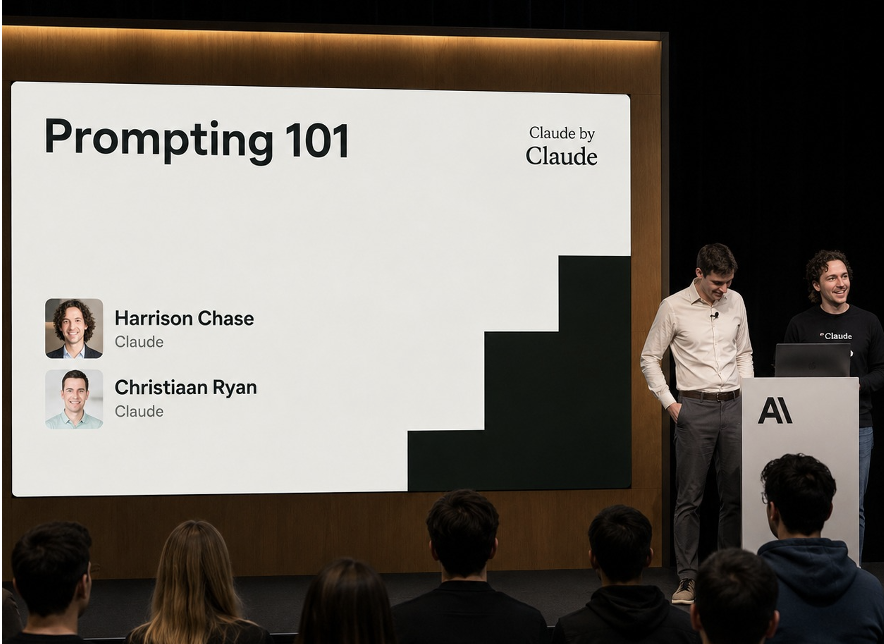
What there is: a systematic discipline for giving models what they actually need to do good work. That discipline has a name — prompt engineering — and Anthropic's Harrison Chase and Christiaan Ryan spent an entire workshop teaching it the right way, using a real production example, and showing exactly where simple intuitions fail.

Source: Harrison Chase & Christiaan Ryan, Anthropic — "Prompting 101" (YouTube)

Building Effective AI Agents: The Anthropic Playbook

Most teams building AI agents are solving the wrong problem.

They spend months wiring together orchestration frameworks, reflection loops, and multi-agent graphs — before they've verified that the simplest version of their agent actually works. Then they wonder why the system is expensive, slow, and impossible to debug.

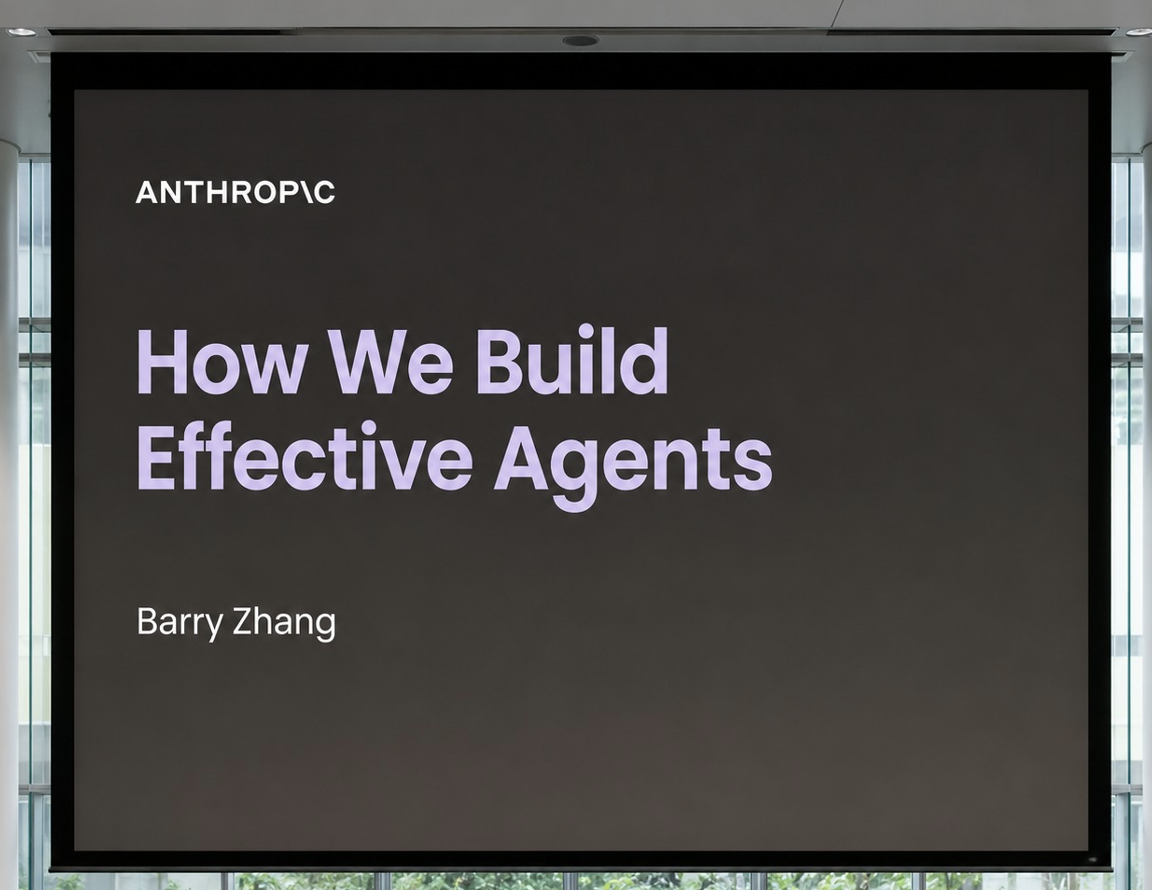
Barry Zhang from Anthropic gave a talk that cuts through all of that. The core message was blunt: most teams are building agents too early, and when they do build them, they build them wrong.

Source: Barry Zhang, Anthropic — "How We Build Effective Agents" (YouTube)

GPU for AI Explained: VRAM, CUDA Cores, Tensor Cores, and Everything In Between

You've heard it countless times: "You need a GPU to train AI models." But why? What is a GPU actually doing that a CPU can't? What are CUDA Cores, Tensor Cores, and VRAM — and why do AI engineers obsess over these numbers?

This guide starts from scratch and builds a complete mental model of GPU hardware for AI. By the end, you'll understand exactly what's happening inside the chip when your model trains — and how to pick the right hardware for the job.

Master Generative AI — Part 2: Working with LLMs

Part 2 of the Master Generative AI: A Step-by-Step Challenge series.

Series Map:


In Part 1 you built the conceptual foundation. Now we get our hands dirty. This part is where theory becomes practice — you'll write code that tokenizes text, queries embeddings, builds a RAG pipeline, and ships your first working chatbot.

MCP vs Tool Calling vs Skills: The Mental Model Every AI Builder Needs in 2026

You're building an AI agent. You've heard the terms thrown around — tool calling, MCP, skills — and nobody has given you a clean mental model for how they fit together. Are they competing approaches? Different names for the same thing? Should you pick one?

Here's the answer in one sentence: they are layers, not alternatives. Tool calling is the primitive. MCP is the protocol. Skills are the playbook. Production agents in 2026 use all three.

DevOps Project Example: From Code Push to Production with GitOps, FluxCD, and Kubernetes

Most DevOps tutorials show you a pipeline diagram. This one shows you a real pipeline, built on a real application, running on real Kubernetes clusters — with every tool, every workflow, and every design decision explained.

This post walks through the complete CI/CD system behind Slotmachine — a real-time multiplayer tournament app — from the moment a developer pushes code to GitHub, through six security and quality gates, all the way to automated deployment on both Nutanix on-premise clusters and AWS EKS. No hand-waving. No "and then magic happens."

The full source code is available in two repositories: