Skip to content

Practices

Graph Engineering: From Karpathy's Loops to Shared Knowledge Graphs

A short PDF cross-references three pieces of 2026 work — Karpathy's autoresearch loop, his AgentHub sketch, and Anthropic's Knowledge Graph Construction Cookbook — and walks through the missing layer that turns single-agent loops into collaborative swarms. It's an independent synthesis, not a Karpathy paper, but the architectural progression is precise and worth taking seriously. The pipeline has six steps, and the step that matters most is the one your loop is currently skipping.
Context engineering for production AI agents

Prompt engineering is the discipline of writing the right words for a single turn. Context engineering is the discipline of curating everything that ends up in the model's context window across an entire agent run — system prompt, tool definitions, retrieved documents, conversation history, scratchpad notes, sub-agent outputs. Anthropic named this discipline in September 20251 because production agents kept hitting the same wall: the model was smart enough, but the context it saw was wrong.

This post covers what context engineering is, the four strategies you actually use, the failure modes that show up in production, and the tooling that does each one well.

Multi-agent engineering with Claude Code: the dev loop, demonstrated

The previous post walked through a single Claude Code session — one engineer, one context window, 14 turns. That's the right shape for most work. But some tasks don't fit in one brain. A migration across 12 services, a security audit of 200 endpoints, a refactor that touches every file in the repo — these want a small team, not one engineer working 14-hour days.

Claude Code has a Task tool that spawns sub-agents with isolated context windows. The main session is the lead engineer; sub-agents are specialists. Each specialist runs to completion, returns a summary, and the lead stitches the work together. That's the multi-agent loop, in Claude Code.

This post is a full session that uses it. I'll do a real task — port a Python CLI from one config library to another across 8 files — by having Claude Code delegate parts to sub-agents. You'll see the prompts, the sub-agent invocations, where handoffs went well, and where they didn't.

The session is reconstructed from real Claude Code runs. The patterns work; the exact transcripts are illustrative.

The full Claude Code dev loop, demonstrated end-to-end

Most posts about Claude Code show a single claude command and a single impressive output. That's not how you actually use it. A real session is 30+ turns: plan, write, run, fail, read the error, fix, test, commit, repeat. The interesting parts are the failures and the recovery.

This post is one full session, reconstructed from real Claude Code sessions. Every command is one you'd actually run, every code block is code you'd actually see, every bug is the kind of bug that does appear. The wall time and the exact bug-discovery sequence are approximate — the patterns are real.

The session took 14 minutes of wall time. The transcript below is annotated.

You can't use a USB drive as VRAM — the enterprise guide to GPU memory capacity planning in 2026

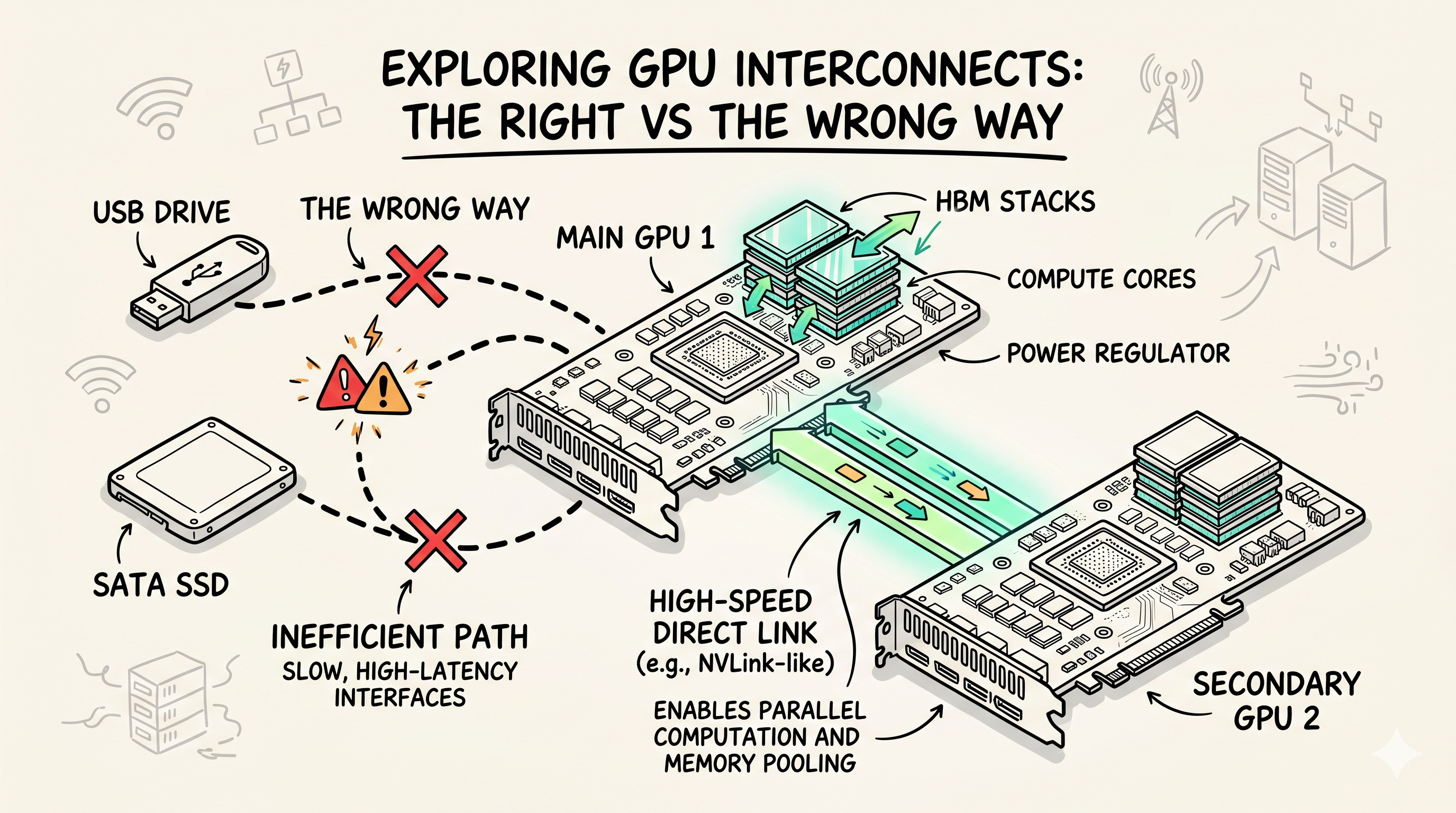
Storage isn't VRAM. eGPUs aren't a data center strategy. Shared memory isn't a capacity plan. Every quarter, an AI infrastructure team somewhere asks the same question: "we're running out of GPU memory, can we just use the SSDs?" No. Here's what actually works at scale, what doesn't, and the procurement and capacity planning playbook for GPU memory in 2026.

This post is written for AI platform engineers, infrastructure architects, and FinOps leads running shared GPU clusters. It's not about a single workstation — it's about a fleet. The unit of analysis is the rack, the budget, and the quarter.

Once the fleet exists, two companion posts cover what runs on it: engine selection and quantization (which engine, which precision, when to call an API instead) and GPU Autoscaling is Broken (scaling LLM inference under real load). This one is the layer above both: how much GPU memory to buy in the first place.