Skip to content

Kubernetes

Gpu for llm workloads reference

LLM workloads are not "regular workloads that happen to need more RAM." They are memory-bandwidth-bound during decode, compute-bound during prefill, and topology-bound the moment a model can't fit on one GPU. The hardware spec sheet, the VM config, the container runtime, the Kubernetes device plugin, and the multi-GPU pattern you pick are all the same decision at different layers. Get one wrong and the others stop mattering.

This is a reference for the whole stack — from the HBM3e bandwidth of a Blackwell GPU to the nvidia.com/gpu resource advertised by a DaemonSet to the tensor-parallel group size that decides whether your 70B model serves or stalls. Every number is verified against a primary source, dated 2026-06-16.

Replacing Claude Code With a Self-Hosted LLM on Kubernetes: A Production Reference

A single Qwen3-Coder-30B-A3B instance on Kubernetes (vLLM 0.23.0, one H100 80GB, $6.88/GPU-hour on AWS) produces code at "results comparable to Claude Sonnet" on agentic coding benchmarks, at roughly one-quarter to one-sixth the all-in cost of the hosted Anthropic API at 100-engineer scale.1 Those numbers are real, and so are the trade-offs. The post rests on one bet: at scale the model is the cheap line on the invoice, and what decides whether you ship is everything around it. That means autoscaling, observability, the security review, the tool-calling schema, and network egress.

I wrote this as a reference, not a sales pitch. It covers what Claude Code costs in production, what the vLLM-on-Kubernetes stack looks like in mid-2026, what you give up when you cut the API cord, and the six things that break first.

Serving an LLM on Kubernetes in 2026: the operations checklist nobody gave you

You can helm install vllm in an afternoon. You cannot tell me your p99 TTFT at 70% GPU utilization — and that's the gap this post is about. The "deploy vLLM on Kubernetes" tutorial is saturated. The decision tree underneath it isn't written anywhere, so most clusters are still pinned to whatever they stood up 12 months ago.

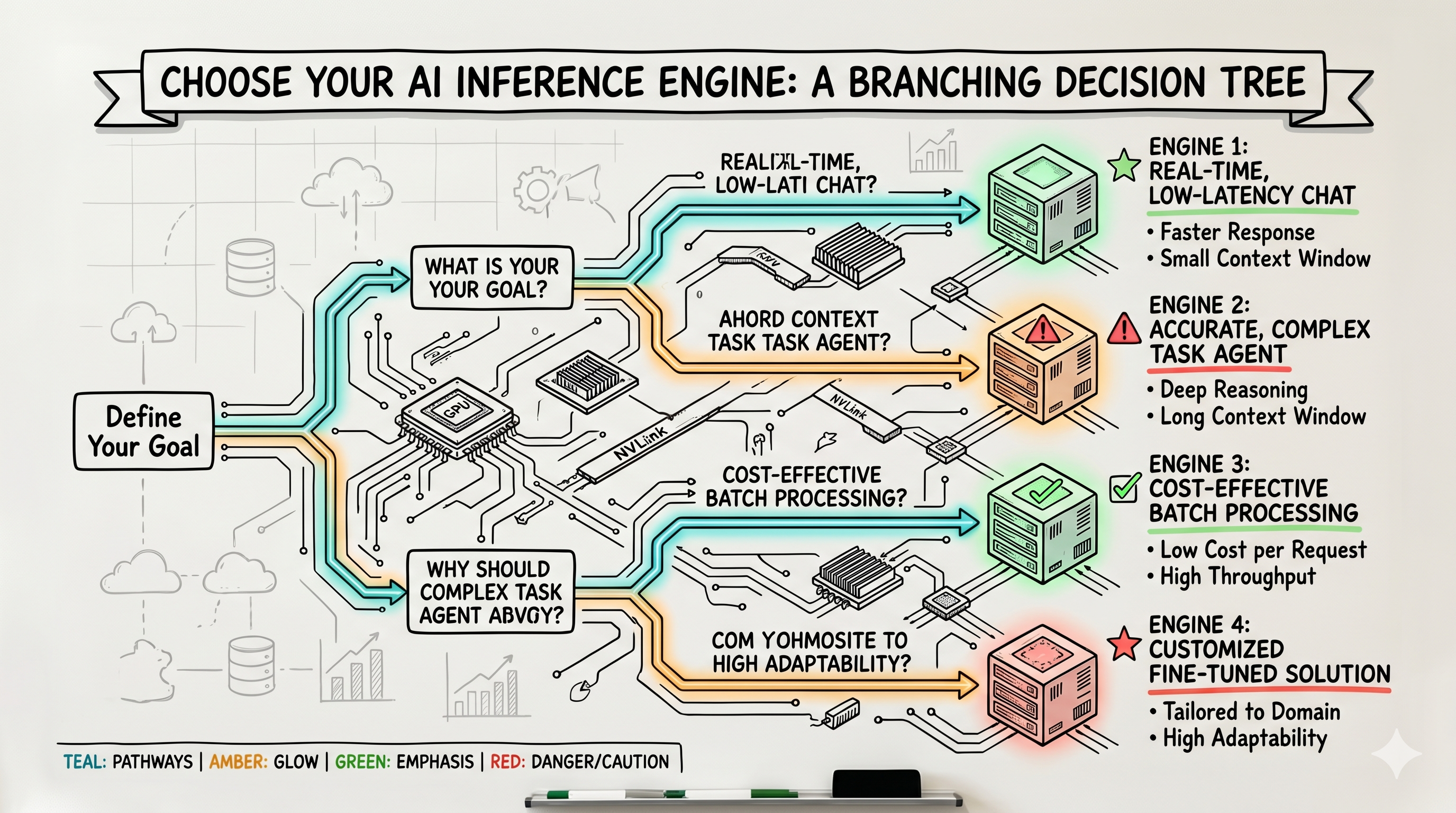
The engine layer moved while you weren't looking: Tiny-vLLM (May 29), KVarN KV-cache quantization (June 4), Kvcached for elastic KV cache, Expanse reclaiming idle GPU, and vLLM's wide expert-parallel path pushing ~2.2k tok/s on H200s. (All five are bleeding-edge — verify the names, dates, and numbers before you publish or pin them.) Meanwhile your Helm chart hasn't changed since last summer.

Agents in production need a gateway, not a wrapper: the MCP + policy + observability stack for cloud-native AI

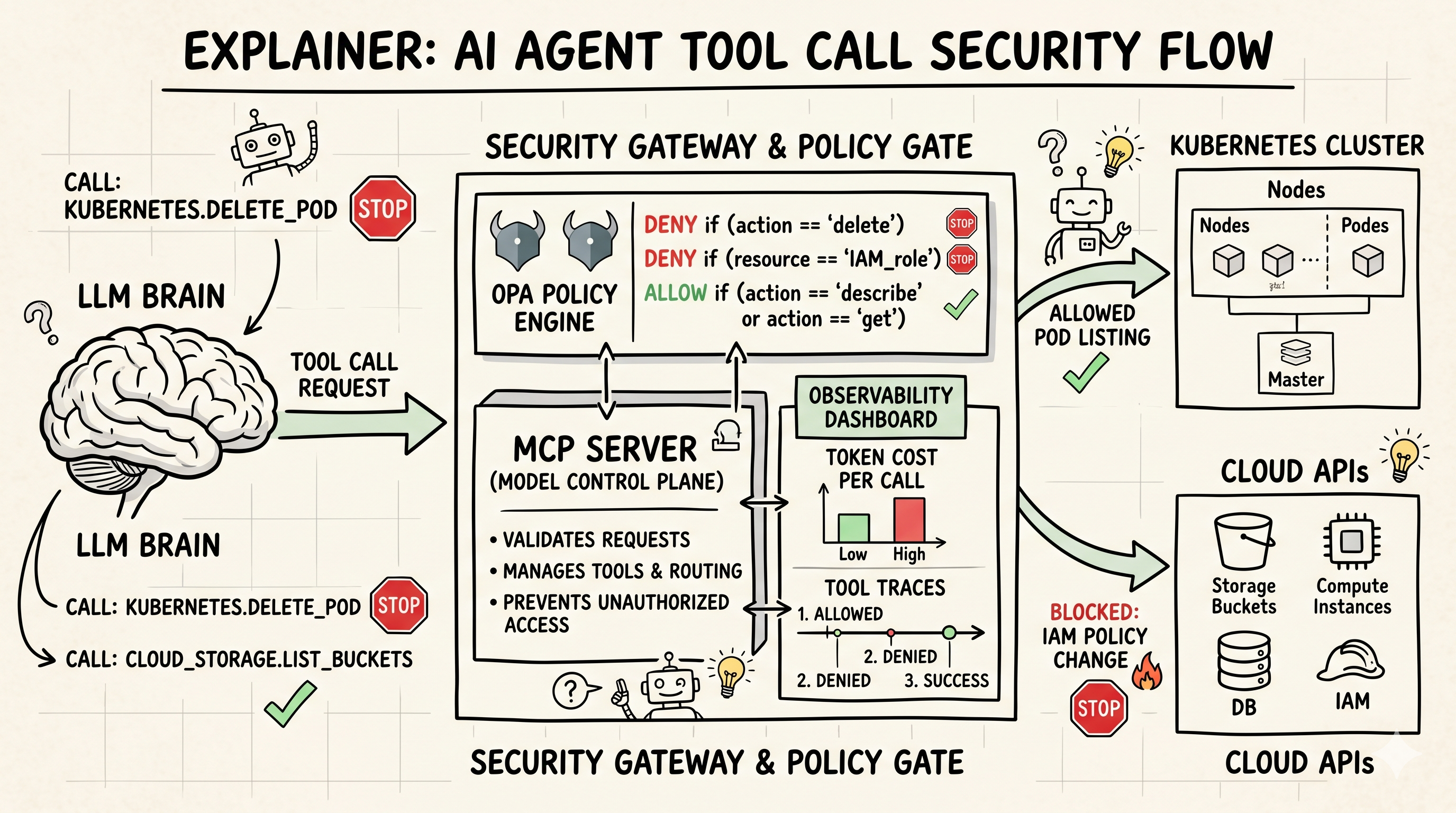
If your "AI agent" is just an LLM with a requests library and a service account, you don't have an agent — you have a future incident. Every team that has shipped agents to production learned the same lesson: the LLM is the easy 10%. The hard part is everything around it.

I'm going to walk through the stack I now consider non-negotiable: MCP for tools, a gateway for policy and routing, and OpenTelemetry for observability. I'll show configs, not concepts.

Ran Your Own LLM on Kubernetes for 30 Days — Here's the Real Cost

The cloud AI cost conversation is two camps shouting past each other: vendor blogs saying "our managed service is cheaper" and Reddit threads saying "self-hosting saves 90%." Neither shows real bills, so neither is useful.

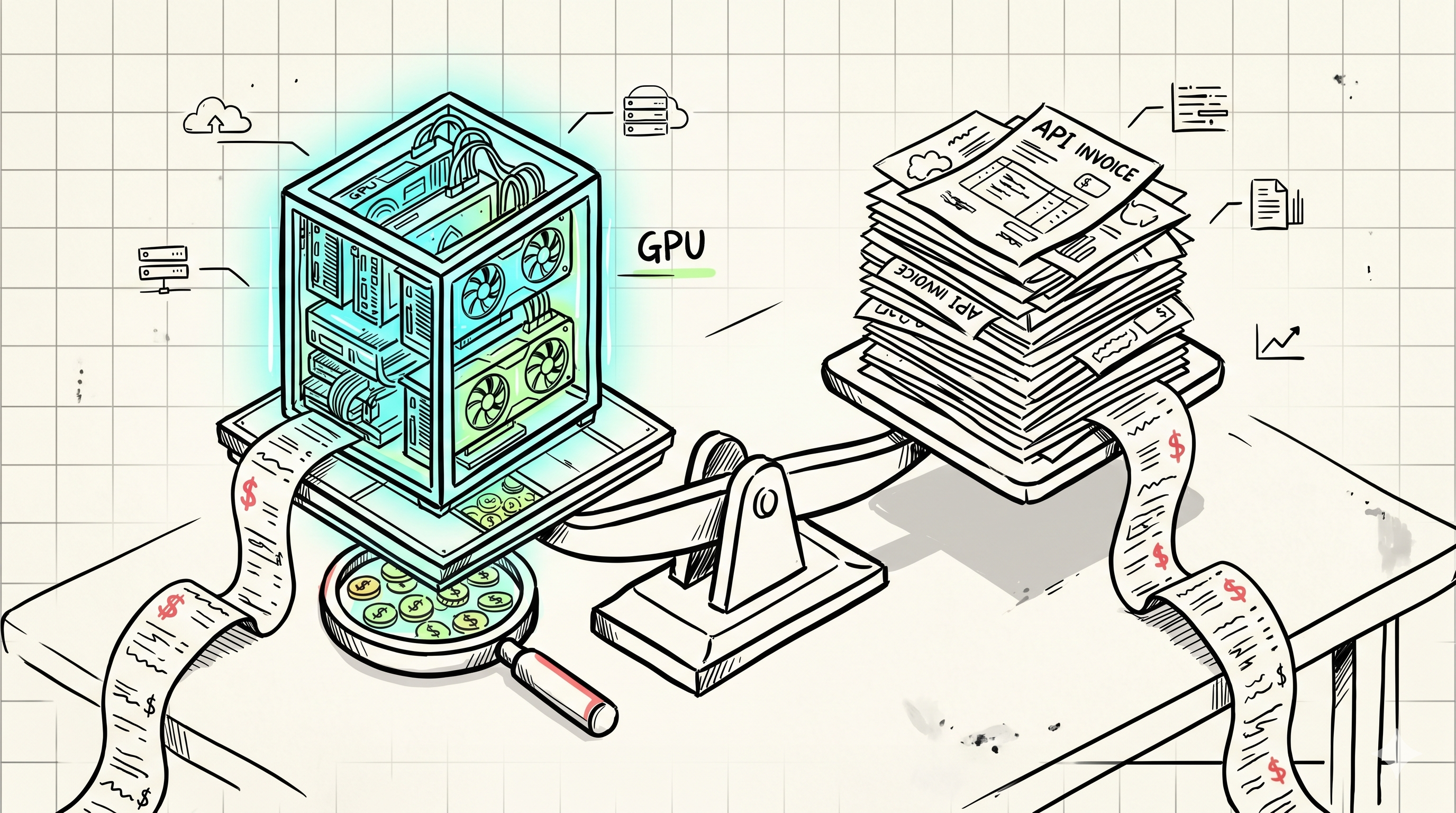
This post shows the real numbers: 30 days, real production traffic, four configurations, every line item. Spoiler — self-hosting was 31% cheaper on the cloud bill and 33% more expensive once you count engineering time. Both facts are true. The details are what matter.

GPU Autoscaling is Broken: What I Learned Scaling LLM Inference to 10K QPS

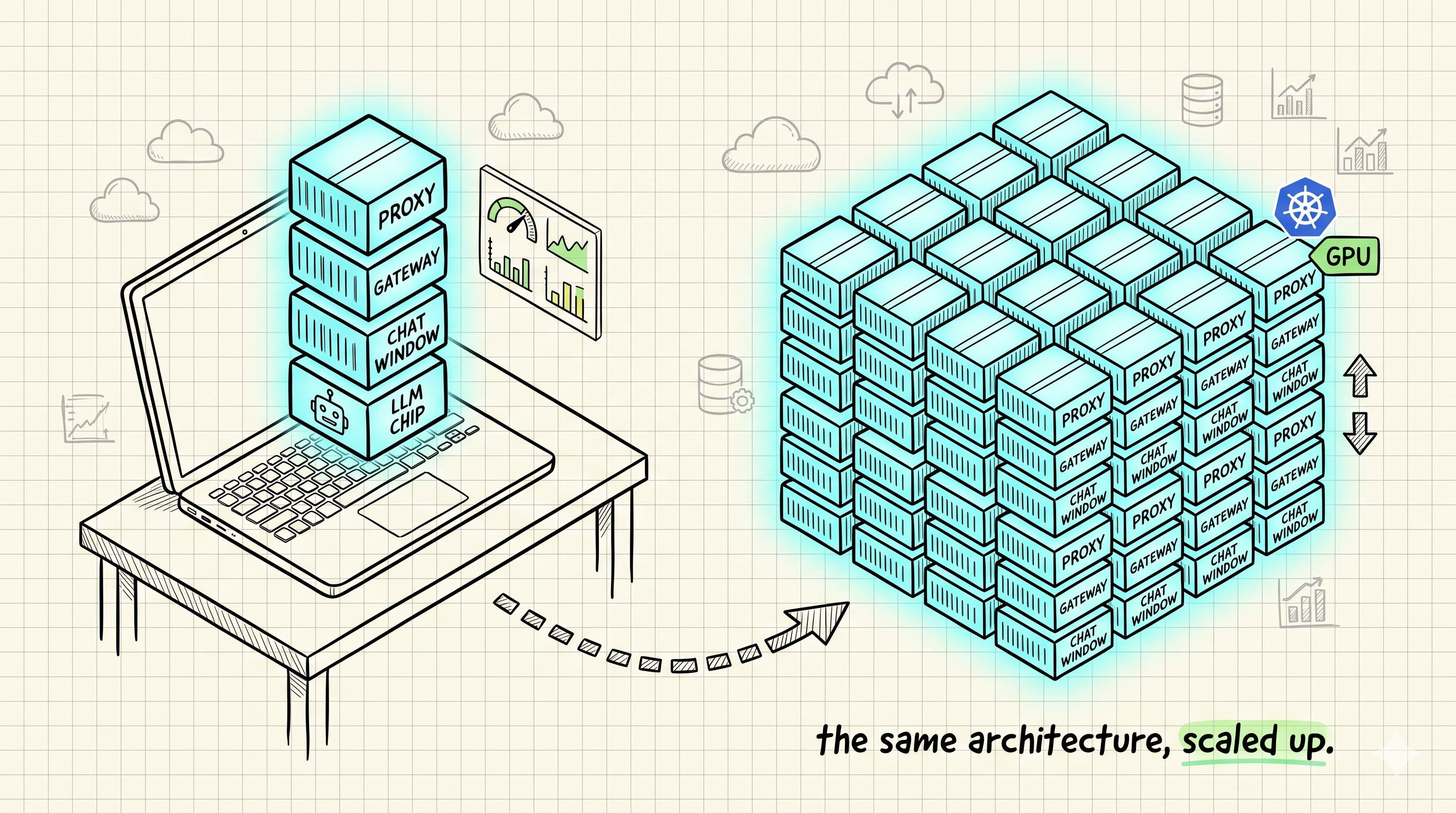
Standard Kubernetes autoscaling assumes more load = more pods = more capacity. With stateless REST APIs, that works. With LLM inference, it falls apart — and it took us three months of production pain at 10K QPS to figure out why.

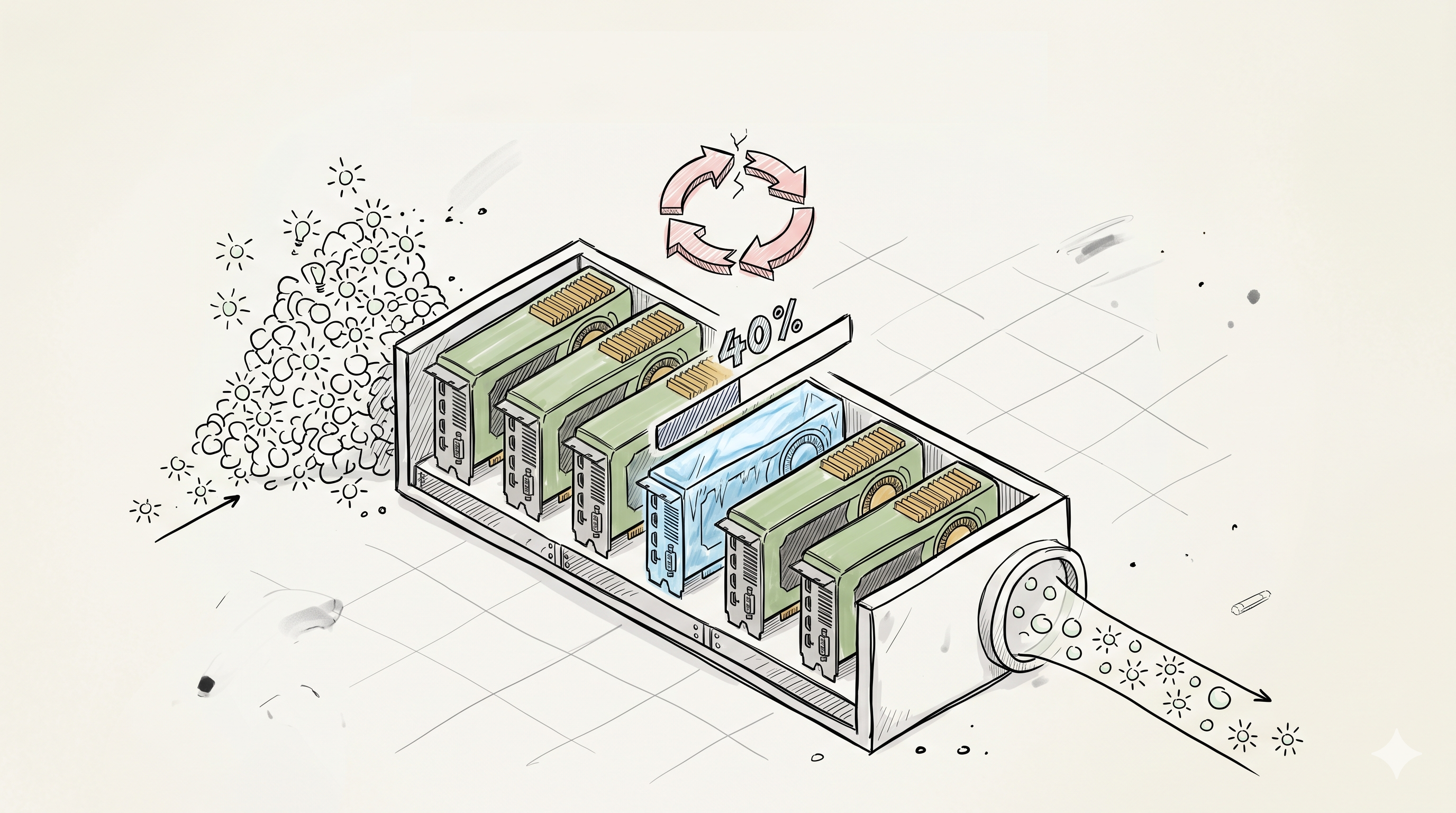
This post covers the four patterns that actually worked, the exact configs we run, and the numbers before and after: p99 latency from 12s down to 1.8s, OOM kills from 3% to under 0.1%, GPU utilization from 40% to 75%.

Two companions go alongside this one: engine selection and quantization (which engine and precision to run before you scale anything) and the GPU memory capacity-planning guide (how much GPU to buy in the first place).